

 AI Summary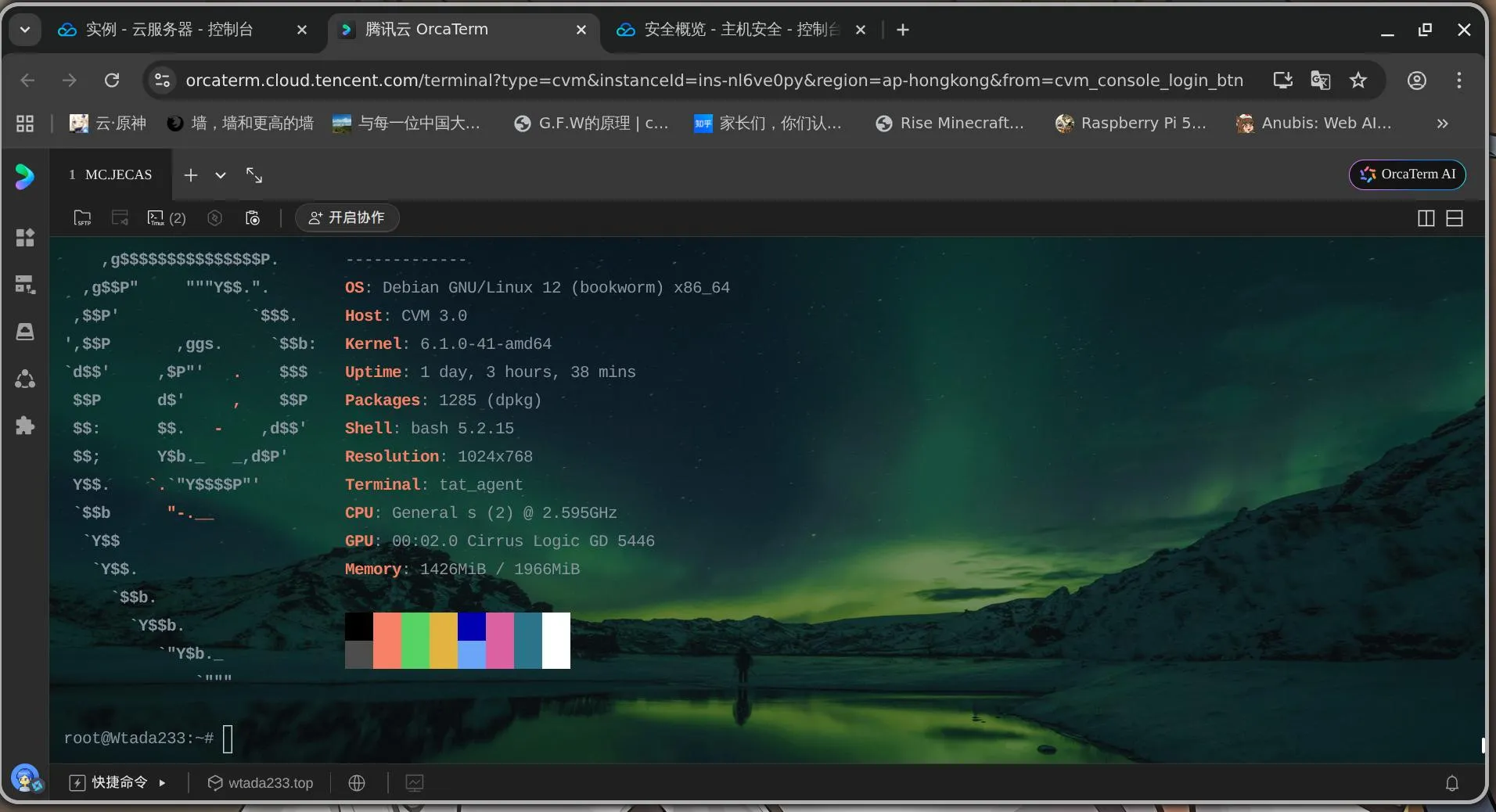
As everyone knows, a cloud server with 2 cores and 2GB of RAM absolutely cannot run four services at the same time… right? Of course, if that were true, this article wouldn’t exist.
O N E - S E R V E R - F O U R - U S E S
Before I start, let me introduce the four services I’m running—none of them are useless:
- Nginx (Yes, this blog itself)
- FTP (Anonymous enabled but without write permissions, mainly for downloads and easy configuration)
- Minecraft (Ultimate optimized server)
- Hypixel Accelerator (Mainly consumes bandwidth rather than system resources)
I know this sounds crazy, but let’s see how it was implemented first.
1. Ultimate System Optimization
The first step is enabling the swapfile:
fallocate -l 2G /swapfilechmod 600 /swapfilemkswap /swapfileswapon /swapfileHowever, I forgot one thing during this step—fstab:
apt install arch-install-scriptsgenfstab -U / > /etc/fstabManually editing fstab is difficult and error-prone; long live the Arch way.
Then, modify the swap usage tendency:
echo "vm.swappiness=10" | sudo tee -a /etc/sysctl.conf2. Ultimate Website Optimization
The easiest way to reduce resource consumption is to use static web pages—and that’s exactly what this blog is.
# This is a reference for build.sh#!/bin/bashrm -rf distnpm run buildsshpass -p "password" ssh -T root@wtada233.top "rm -rf /var/www/html/*"sshpass -p "password" scp -r dist/* root@wtada233.top:/var/www/html/Now the server basically only consumes bandwidth.
3. Ultimate Proxy Optimization
Use minecraftspeedproxy, a lightweight proxy service. You can find it on GitHub.
4. The Main Event: Minecraft!
java -Xms1G -Xmx1G -XX:+UseSerialGC -XX:MaxRAMPercentage=70 -XX:+DisableExplicitGC -XX:OnOutOfMemoryError="kill -9 %p" -jar server.jar --noguiI’ve used several others before, but this one seems to work best. I recommend installing some optimization plugins and setting max-tick-time to -1 in server.properties to disable the watchdog.
5. Conclusion
Once set up, the benefits of swap become apparent—don’t listen to the AI nonsense about swap slowing things down. In reality, swap isn’t meant to be used as normal memory; it’s there to prevent out-of-memory crashes. With this setup, it usually only consumes about 5MB of swap, staying below 512MB even under high load. Very stable.
Some content may be outdated
0 Comments